

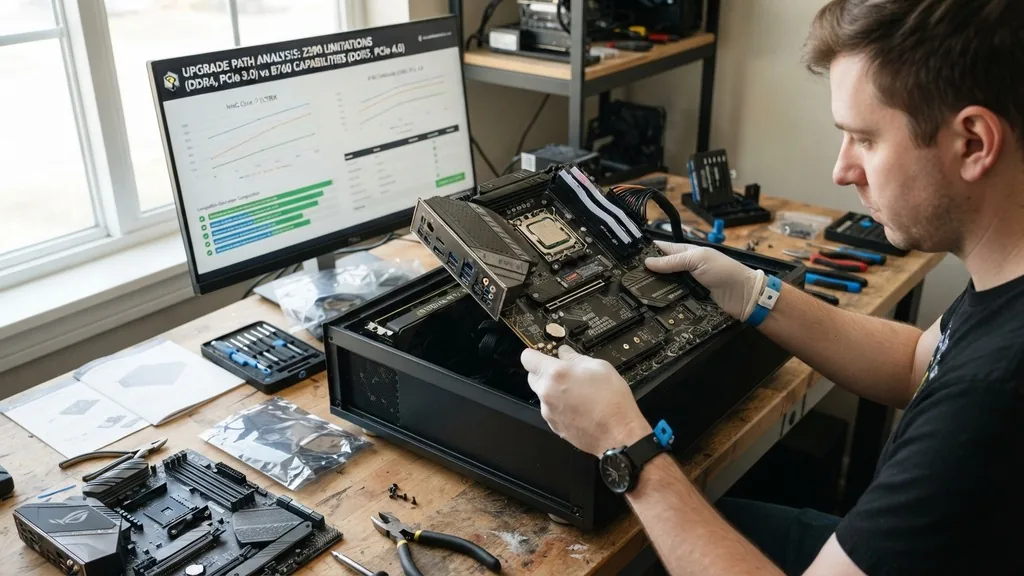
Determining when to upgrade your motherboard is one of the most critical decisions in PC maintenance. Unlike a graphics card or a stick of RAM, the motherboard acts as the central nervous system of your computer, connecting every component and dictating the future potential of your entire build.
Many users mistakenly believe that swapping out the board is a routine task, but it is often the most intrusive procedure you can perform on a desktop. Knowing the right time to pull the trigger ensures you aren’t wasting money on incremental changes that yield little performance gain while avoiding the pitfalls of an outdated platform that limits your hardware’s capabilities.
Identifying Hardware Bottlenecks and Platform Limitations
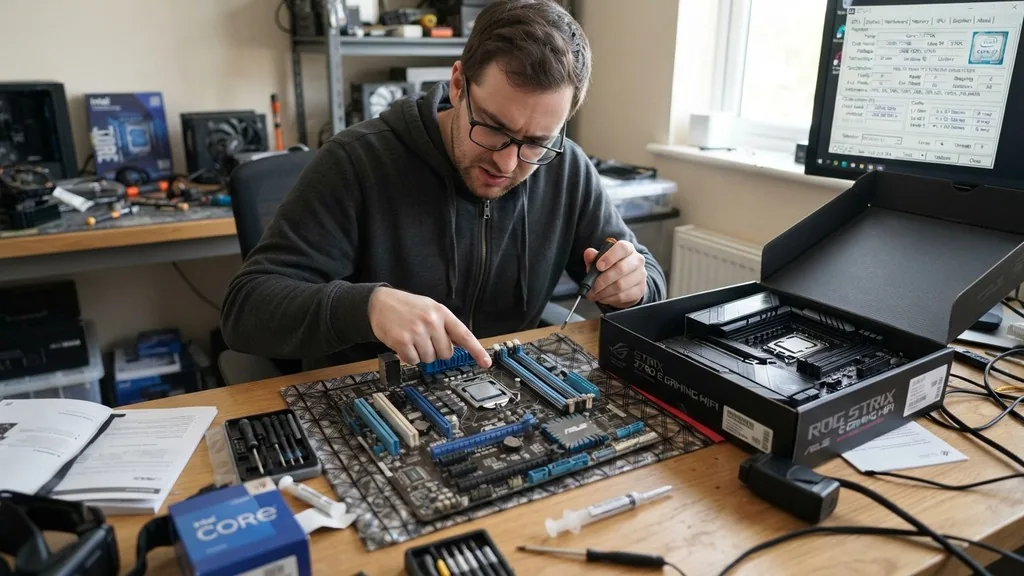
You should upgrade your motherboard when your current platform no longer supports the CPU architecture required for your performance needs. The motherboard is defined by its socket type and chipset, which strictly limit which processors can be installed. If you are running an older system, you will eventually reach a point where the fastest processor compatible with your board is still significantly slower than modern entry-level chips.
When you find that your processor is consistently hitting 100% usage while your GPU remains underutilized, you are experiencing a CPU bottleneck. If the best possible CPU for your current socket cannot alleviate this, the motherboard is the primary obstacle to your system’s growth.
Beyond just the CPU, platform limitations often manifest in how your system handles modern standards. For instance, if you are still utilizing a board that relies on older PCIe generations while you are trying to use a high-end NVMe drive or a modern GPU, you are leaving bandwidth on the table.
A motherboard upgrade effectively opens the door to newer technologies, such as faster memory speeds or improved power delivery, which are essential for stable operation with high-wattage hardware. When the platform itself—the chipset and socket—no longer supports the features you require, a motherboard replacement becomes the only logical path forward.
The Role of Socket Compatibility and CPU Generations
The most common reason to replace a motherboard is the release of a new CPU generation that utilizes a different physical socket. Intel and AMD frequently update their socket designs to accommodate changes in power delivery, pin counts, and communication protocols with other components like the chipset.
If you decide that you need to move from an older generation of processors to the latest, you will almost certainly need a new motherboard. This is because the physical layout of the pins and the electrical requirements are often incompatible with previous generations, making a simple CPU drop-in impossible.
When you investigate the specifications for a desired processor, look closely at the required socket. If your current motherboard features a socket from three or four generations ago, there is no physical way to mount a modern chip. This creates a hard wall in your upgrade path.
While some users might search for “drop-in” replacements, these are rarely worth the investment. You are often better off saving that money toward a modern platform that supports current-gen memory and storage standards, rather than sinking funds into a legacy motherboard that will be obsolete within a year or two.
Evaluating RAM and Memory Standards
Memory technology evolves rapidly, and your motherboard dictates the maximum speed and the specific generation of RAM you can install. If you are currently restricted to older DDR3 or early DDR4 speeds while modern software and games are pushing toward high-frequency DDR5, your motherboard is actively holding back your system’s responsiveness. A motherboard upgrade is often necessary when you want to transition to a newer memory standard that offers significantly higher bandwidth and lower power consumption.
Consider the number of DIMM slots and the maximum capacity supported by your current board. If you do significant creative work, such as 4K video editing or 3D rendering, you may find that your current motherboard caps out at 32GB or 64GB of RAM.
If your workflow requires 128GB or more, and your current board cannot accommodate it, the motherboard has become a limitation on your productivity. The shift to DDR5, in particular, has introduced higher base speeds and better signal integrity, but these benefits are only accessible if you have a motherboard designed with the necessary traces and voltage regulation modules to support them.
Assessing PCIe Expansion and Storage Connectivity
Your motherboard determines how many expansion cards you can add and what kind of data transfer speeds you can achieve with your peripherals. If you find yourself needing more high-speed storage, such as additional M.2 NVMe SSDs, you need to check if your current board has enough slots.
Many entry-level boards from several years ago only feature one or two M.2 slots, and often these slots share bandwidth with SATA ports or other PCIe slots. When you run out of physical space or high-speed connectivity, you are essentially forced to choose between slower storage or upgrading the motherboard entirely.
Furthermore, the PCIe generation supported by your motherboard affects everything from your GPU performance to capture cards and high-speed networking hardware. Moving from PCIe 3.0 to 4.0 or 5.0 can make a measurable difference in data-heavy tasks. If you are a professional who relies on high-speed data transfers—such as moving large project files between external drives and internal storage—the bottleneck caused by an older motherboard’s limited PCIe lanes can cost you hours of waiting time over the course of a project.
Power Delivery and Thermal Management
A motherboard is responsible for converting power from the power supply unit into the clean, stable voltage required by your CPU. This is handled by the Voltage Regulator Modules (VRMs).
If you are planning to upgrade to a high-end processor that draws significant power, your current, budget-oriented motherboard might not have the VRM capacity to handle the load. When the VRMs are under-specced for the CPU, they can overheat, causing the board to throttle the processor’s clock speed, which leads to a massive loss in performance.
When you notice that your system is unstable under heavy loads, or if you are considering an overclocking project, the quality of your motherboard’s power delivery becomes paramount. A board with a robust, cooled VRM array ensures that your CPU receives steady power even under sustained stress.
If you are building a high-performance system, a motherboard that lacks adequate heatsinks or power phases will result in thermal throttling. In this scenario, upgrading the motherboard is not just about features, but about ensuring the longevity and reliability of your expensive CPU.
System Stability and Component Failure
Sometimes, the decision to upgrade is not about performance, but about necessity due to hardware failure. Motherboards are complex pieces of circuitry with dozens of capacitors, traces, and controllers.
Over years of thermal cycling—heating up during use and cooling down after—these components can eventually degrade. If you are experiencing random crashes, boot loops, or persistent USB port failures that persist even after a clean operating system installation, your motherboard might be nearing the end of its lifespan.
Before assuming the board is dead, always check your official hardware diagnostic resources to rule out software issues. However, if you have verified that your power supply is healthy and your RAM is stable, yet the system continues to exhibit erratic behavior, a motherboard replacement is likely the only solution.
When a board begins to fail, it is rarely worth the cost of professional repair. Replacing it with a modern, stable board is the most reliable way to restore your system to a functional state while potentially gaining modern features in the process.
Comparing Motherboard Generations
To help you decide if a specific upgrade is worth the investment, look at the differences between chipset generations. The following table highlights common scenarios where a motherboard upgrade provides tangible benefits.
| Feature | Older Motherboard (e.g., 5+ years) | Modern Motherboard |
|---|---|---|
| PCIe Standard | PCIe 3.0 | PCIe 4.0 or 5.0 |
| RAM Support | DDR4 (Lower speeds) | DDR5 (Higher bandwidth) |
| Storage | SATA SSD / Early M.2 | Multiple Gen4/Gen5 NVMe |
| Connectivity | USB 3.0 / Standard LAN | USB 3.2 Gen 2×2 / 2.5GbE |
Each of these upgrades represents a meaningful leap in how your system handles data and external devices. While a single feature might not justify the cost, the cumulative effect of these improvements often makes a new board feel like a fresh start for your entire computer.
The Practicality of Upgrading Without Reinstalling Windows
One major concern for many users is whether they can upgrade a motherboard without having to reinstall their entire operating system. In the past, this was a nightmare that almost always resulted in blue screens and driver conflicts. Today, Windows 10 and 11 are much more resilient.
They can often detect the new hardware and pull the necessary drivers automatically. However, there are still risks involved.
* License Activation: Windows licenses are often tied to the motherboard’s unique ID. You may need to relink your Microsoft account or call support to reactivate your license after a major hardware swap.
* Driver Conflicts: While Windows is smart, lingering drivers from your old chipset can cause strange, intermittent bugs.
A clean install is almost always the best way to ensure maximum stability.
* Data Backups: Before attempting any motherboard swap, ensure that your critical data is backed up on an external drive or cloud service. The process of moving your boot drive to a new platform is simple, but it is not infallible.
If you decide to proceed without a clean install, be prepared to spend time cleaning up old drivers and re-authenticating your software. For users who want the most “like-new” experience, a fresh installation remains the gold standard, despite the inconvenience of moving files and reinstalling programs.
Addressing Topical Gaps: When is a Motherboard Upgrade Actually Wasteful?
Many users fall into the trap of thinking a new motherboard will make their computer faster on its own. It is important to clarify that a motherboard does not directly increase frame rates or processing speed. It is a facilitator.
If you upgrade your motherboard but keep your old CPU, old RAM, and old GPU, you will see zero performance improvement. In fact, if you purchase a high-end motherboard that doesn’t offer features you specifically need, you are essentially throwing money away.
If your current board supports your CPU, has enough RAM slots, and provides the connectivity you need, upgrading simply for the sake of “having something new” is counterproductive. The money spent on a motherboard would be far better utilized by purchasing a faster GPU or a higher-capacity SSD. Always prioritize components that have a direct impact on your primary use case.
If you are a gamer, focus on the GPU. If you are a video editor, focus on the CPU and RAM. Only look at the motherboard when it acts as a gatekeeper preventing you from reaching the performance level you require.
Future-Proofing vs. Budget Constraints
When considering a motherboard upgrade, you must balance the desire for future-proofing with the reality of your budget. Buying a top-tier motherboard with every available feature is often a bad investment because technology moves so quickly.
A board that supports the latest, most expensive features today might be obsolete in three years when a new socket type is introduced. Instead, aim for a motherboard that covers your current needs and perhaps one or two “nice-to-have” features, such as an extra M.2 slot or better Wi-Fi connectivity.
Think about the lifespan of the platform. If you buy into a socket that is at the end of its life cycle, you are limiting your ability to upgrade the CPU in the future. Conversely, buying a board for a brand-new socket gives you a clear path for future processor upgrades.
Always check the roadmap for the CPU manufacturer to see if the socket you are choosing will be supported for multiple generations. This strategic approach ensures that your motherboard upgrade remains relevant for as long as possible, providing a solid foundation for your system.
FAQ: Common Questions About Motherboard Upgrades
- How do I know if my motherboard needs replacing? If your system experiences persistent, unfixable hardware errors like random reboots, failure to POST, or broken physical ports, the board is likely failing. If it limits your ability to add new, necessary hardware, it is time to upgrade.
- What is the typical lifespan of a motherboard? Most motherboards are designed to last between five to ten years. However, they are often replaced long before they die because the underlying technology—such as the CPU socket or memory standards—becomes outdated and incompatible with newer, faster components.
- Is it worth upgrading just the motherboard? Rarely. A motherboard upgrade is almost always part of a larger plan to upgrade your CPU or RAM. Unless your current board is physically broken or lacks a critical feature like a specific port type, a motherboard swap alone provides no performance benefit.
- Can I use my old CPU with a new motherboard? Only if the new motherboard uses the exact same socket as your old one. In most cases, a new motherboard is purchased to support a new CPU generation, meaning you will need to replace both components simultaneously to ensure compatibility.


