

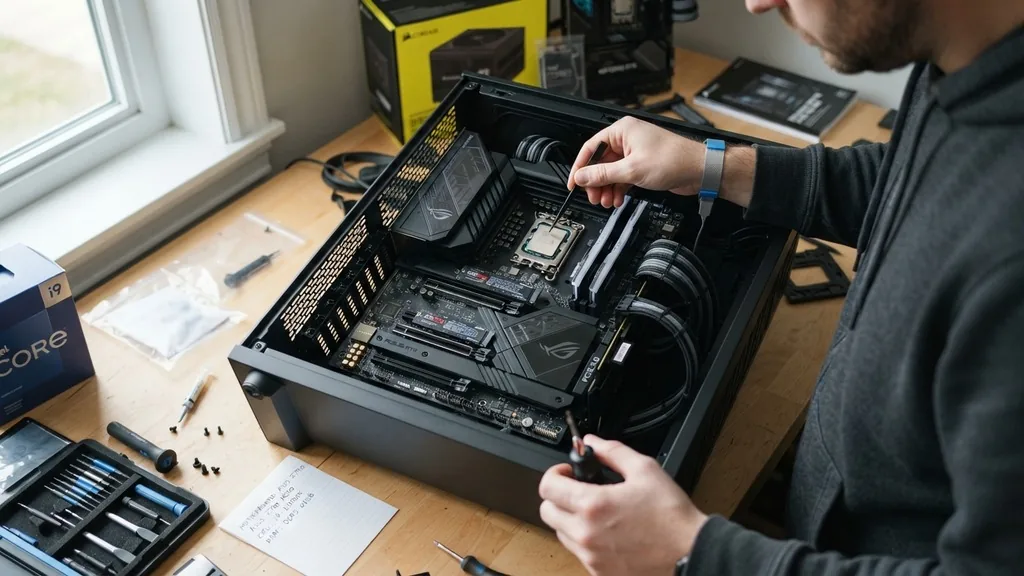
Selecting the right foundation for your PC is a critical decision that influences your entire gaming experience. While the processor and graphics card often steal the spotlight, the motherboard acts as the nervous system of your rig, connecting every component and ensuring they communicate effectively.
When asking what’s a good motherboard for gaming, you are really asking how to balance connectivity, power delivery, and future-proofing without overspending on features you will never actually use. A quality board provides stability for your CPU, enough slots for your high-speed memory, and the necessary expansion capabilities for your storage and peripheral devices.
Understanding Chipsets and CPU Compatibility
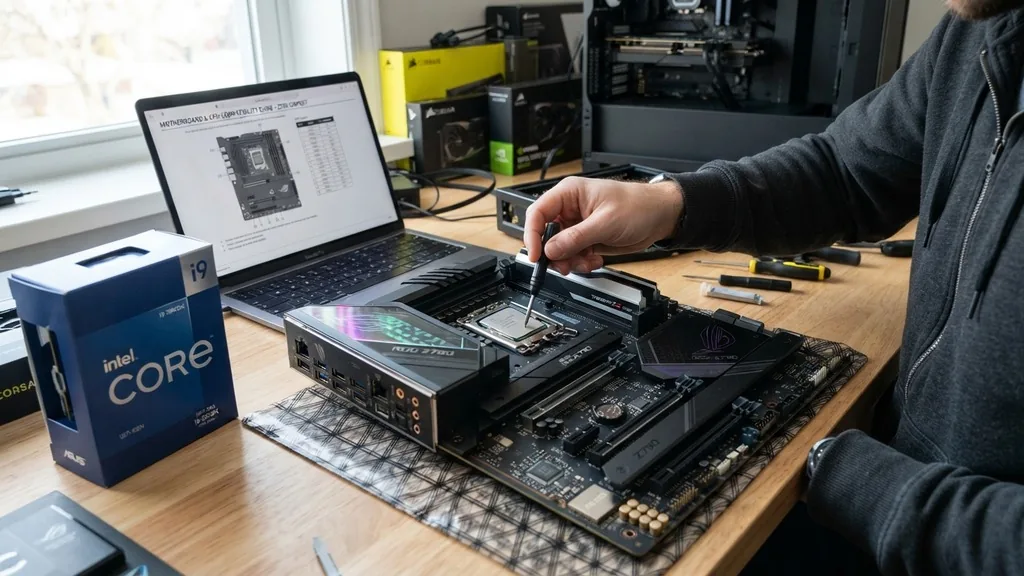
A good motherboard for gaming must be fully compatible with your chosen processor architecture, as this is the primary factor that dictates which boards you can even consider. The chipset serves as the interface between the CPU and the rest of the system components, determining how many PCIe gen lanes are available for your GPU and NVMe drives. If you opt for an AMD processor, you will be looking at AM4 or AM5 sockets, each with its own distinct chipset tiers—such as the B-series for mainstream users or the X-series for enthusiasts seeking maximum overclocking headroom.
Intel platforms operate on a different cycle, requiring you to match the socket (like LGA 1700) with the correct motherboard generation. You should prioritize boards that offer a robust VRM (Voltage Regulator Module) configuration, especially if you plan on using high-end, power-hungry CPUs.
A poor VRM can lead to thermal throttling during intense gaming sessions, effectively negating the performance potential of your expensive processor. Always verify the BIOS support for your specific CPU generation before finalizing your purchase, as some older boards require a firmware update to recognize newer chips.
The Importance of Form Factor
The physical size of your atx motherboard is a major consideration that impacts your case choice and internal airflow. Standard ATX boards are the gold standard for gaming builds because they provide the most space for expansion, including multiple PCIe slots for capture cards or sound cards, and four DIMM slots for DDR RAM. If you are building a massive tower with custom liquid cooling, the extra surface area of an ATX board is invaluable for cable management and component accessibility.
However, smaller form factors like Micro-ATX or Mini-ITX have become increasingly popular for compact gaming setups. A Mini-ITX board is excellent for portable or space-constrained builds, but it forces you to sacrifice expansion capability. You might only have one primary PCIe slot and two RAM slots, which limits your ability to upgrade later.
If you want a setup that grows with your needs over the next five years, sticking to the standard ATX footprint is usually the safer bet. It ensures you have enough room for bulky air coolers and multiple M.2 NVMe drives without the components feeling cramped.
Connectivity and Networking Features
Modern gaming relies heavily on high-speed data transfer, and a good motherboard must provide the necessary ports to handle your gear. Look for a generous selection of USB ports on the rear I/O panel, including at least one USB-C port for fast external storage or modern peripherals. The speed of these ports matters; having USB 3.2 Gen 2 or higher allows for rapid file transfers, which is a major convenience for gamers who move large video files or game installations between drives.
Networking is equally vital. Whether you prefer a wired connection or wireless freedom, the onboard controller makes a difference. A high-quality LAN port capable of 2.5 Gbps speeds is becoming the new standard, providing lower latency and higher bandwidth than traditional 1 Gbps connections.
For those who rely on wifi, look for boards that include the latest Wi-Fi 6E or Wi-Fi 7 standards. These technologies provide a more stable connection in crowded environments, reducing the dreaded “packet loss” that can ruin a competitive match. You can find more technical specifications regarding network standards at the IEEE Standards Association.
Evaluating VRM Quality and Thermal Management
The VRM is the heart of your motherboard’s power delivery system. It converts the raw power from your power supply into the precise voltage required by your CPU. If you are running a high-end processor, you need a board with a strong “phase” count and adequate heatsinks.
A board with weak power delivery will struggle to maintain stable voltages under load, leading to system crashes or reduced clock speeds. Look for boards that feature thick, finned aluminum heatsinks over the VRM components, as these are much more effective at dissipating heat than flat, decorative metal plates.
Thermal management isn’t just about the CPU, though. A good gaming board includes dedicated heatsinks for M.2 NVMe slots. Modern high-speed storage drives can get quite hot, and if they throttle due to high temperatures, your game loading times will suffer.
By ensuring your motherboard has integrated cooling for your storage, you protect your data and maintain consistent performance. It is a subtle feature, but one that separates budget-tier boards from those designed with gaming in mind.
Memory Support and DDR Compatibility
RAM speed and stability are essential for smooth frame rates in modern titles. Most current gaming motherboards support DDR5 memory, which offers significantly higher bandwidth than the previous DDR4 standard.
When choosing a board, check its “QVL” (Qualified Vendor List) to see which memory kits have been tested for stability at their advertised XMP or EXPO profiles. Simply buying fast RAM isn’t enough; the motherboard must be able to train and maintain those high frequencies reliably.
Some boards are better at “memory overclocking” than others. If you are an enthusiast who enjoys tuning your memory timings for those extra few frames per second, look for a board with a 4-DIMM design and strong signal traces.
While two slots are technically better for signal integrity, four slots provide the flexibility to add more capacity later. Ensure the motherboard supports high-capacity kits if you plan on doing more than just gaming, such as video editing or heavy multitasking, as this will prevent your system from becoming a bottleneck.
Expansion Slots and Future-Proofing
A gaming build is rarely static. You will likely want to add more storage, a better sound card, or a capture card as your hobby evolves. The number and placement of PCIe gen slots are crucial here.
Most modern gaming boards feature at least one reinforced “steel armor” slot for your primary graphics card. This reinforcement is not just aesthetic; it prevents the heavy modern GPUs from sagging and damaging the slot over time.
Consider the layout of these slots. If you install a massive triple-slot graphics card, will it cover up the only other PCIe slot on the board? A well-designed motherboard spaces its slots out so that you can utilize multiple expansion cards without them interfering with the airflow of your GPU.
Additionally, check the number of M.2 slots available. Having three or four NVMe slots allows you to expand your game library indefinitely without needing to deal with messy SATA cables or 2.5-inch drives.
Comparison of Motherboard Tiers
Choosing the right tier depends on your budget and performance goals. The following table illustrates the general differences between motherboard segments.
| Feature | Entry-Level (Budget) | Mainstream (Mid-Range) | High-End (Enthusiast) |
|---|---|---|---|
| VRM Cooling | Minimal or None | Adequate Heatsinks | Heavy-Duty Active Cooling |
| M.2 Slots | 1-2 | 2-3 | 4+ |
| Networking | 1Gbps LAN | 2.5Gbps LAN + Wi-Fi 6 | 10Gbps LAN + Wi-Fi 7 |
| Build Quality | Plastic/Basic | Reinforced Slots | Premium Materials/Armor |
Addressing Common Topical Gaps
There is a common misconception that a more expensive motherboard directly translates to more FPS. In reality, a motherboard’s primary job is to provide a stable, consistent environment for your components.
You will not see a massive jump in frame rates by moving from a mid-range board to a top-tier flagship model, provided both boards can handle your CPU’s power requirements. The difference lies in the longevity of the components, the ease of troubleshooting, and the breadth of connectivity options.
Another gap in many discussions is the role of BIOS software. Manufacturers like MSI, ASUS, and Gigabyte offer different software experiences. An intuitive, well-organized BIOS makes it significantly easier to update your firmware, tune your fans, and manage your overclocking profiles.
Don’t underestimate the value of a clean, user-friendly interface. If you are a beginner, look for a brand with a strong reputation for BIOS stability and clear documentation. It can save you hours of frustration when you are trying to get your system to boot for the first time or setting up custom fan curves for quiet operation.
Final Checklist for Your Build
Before pulling the trigger on a purchase, consider these essential factors to ensure you are getting the best value for your specific needs.
- Check CPU socket compatibility to ensure your processor will physically fit and work with the chipset.
- Verify the number of M.2 slots if you plan on using multiple high-speed NVMe drives.
- Ensure the rear I/O has enough USB ports for your mouse, keyboard, headset, and other accessories.
- Confirm the motherboard fits your PC case (ATX, Micro-ATX, or Mini-ITX).
- Look for integrated features like internal headers for front-panel USB-C ports if your case supports them.
- Check for clear, diagnostic LEDs on the board, which help immensely if you run into boot issues.
Ultimately, what’s a good motherboard for gaming comes down to matching your budget to your specific requirements. You don’t need the most expensive board on the shelf to have a fantastic gaming experience.
Focus on a board that supports your chosen CPU, offers enough storage expansion for your needs, and includes the networking features you rely on. By prioritizing these functional aspects over marketing fluff, you can build a reliable, high-performing gaming rig that serves you well for years to come.
Frequently Asked Questions
- Does a more expensive motherboard increase gaming performance? Generally, no. A motherboard does not directly boost frame rates like a GPU or CPU. An expensive board offers better build quality, more features, and superior power delivery for overclocking, but it won’t make your games run faster if the mid-range board handles your components stably.
- How much should I spend on a gaming motherboard? You should aim to spend enough to cover your necessary connectivity and power requirements without paying for “enthusiast” features you won’t use. For most gamers, a mid-range board typically provides the best value, offering a balance of performance, features, and price without unnecessary luxury additions.
- Is it easy to install a new motherboard? Installation requires patience and care, especially when handling the CPU and delicate pins. While not overly complicated, it involves removing all components from your old case and reinstalling them. If you are comfortable with basic PC maintenance, you can complete the process in a few hours.


