

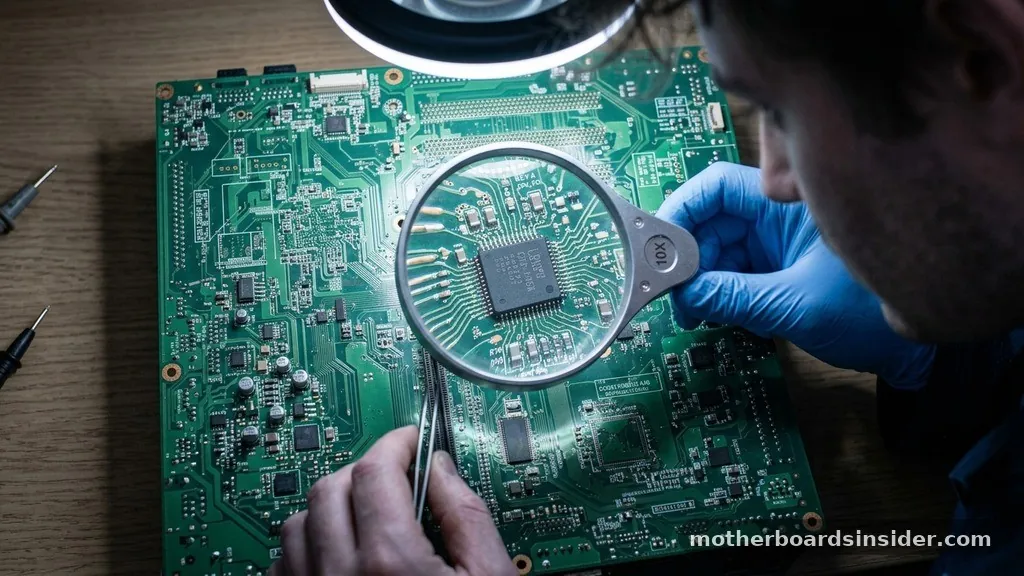
The motherboard acts as the central nervous system of any computing device, serving as the primary circuit board that connects every critical piece of hardware. When you press the power button, it is the motherboard that coordinates the flow of electricity, facilitates communication between the processor and the memory, and ensures that every peripheral device functions in harmony.
Without this complex web of pathways, a computer would be nothing more than a collection of disparate, non-communicating components. Understanding how this board operates reveals the underlying logic that makes modern computing possible.
The Fundamental Architecture of Motherboards
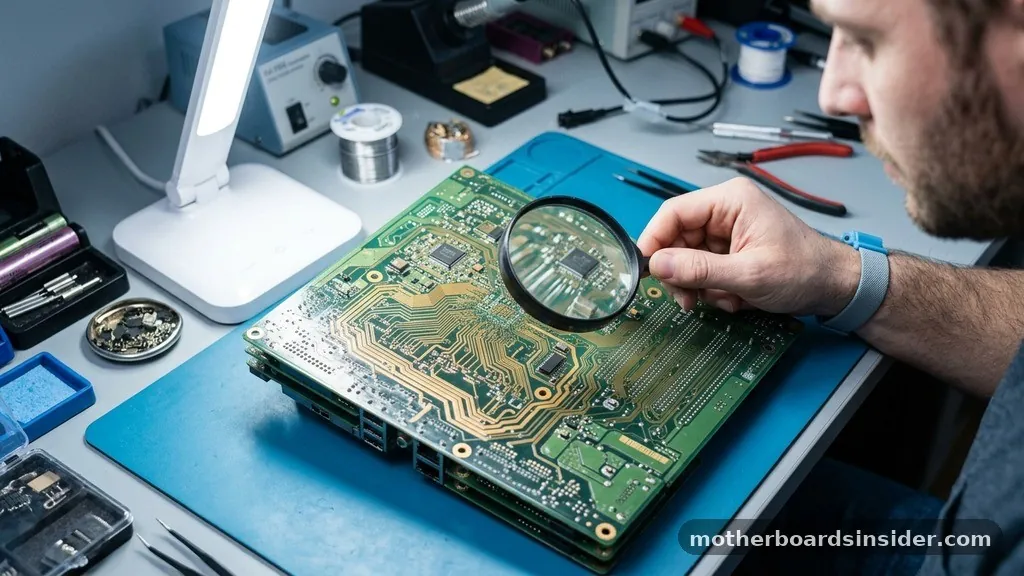
At its core, a motherboard is a multi-layered printed circuit board designed to hold and connect the various components that make up a system. If you were to examine a board closely, you would see a dense network of thin metal lines known as traces.
These traces function like highways for data, carrying electrical signals between the CPU, the RAM, and various input/output devices. The board’s design is governed by a specific form factor, which dictates its physical dimensions and the layout of its mounting holes, ensuring it fits into standard computer cases.
The motherboard is built around the chipset, which acts as the traffic controller for the entire system. In earlier computers, this was split into the Northbridge and Southbridge. The Northbridge handled high-speed data transfers between the processor and memory, while the Southbridge managed slower peripherals.
Today, most of these functions are integrated directly into the CPU, but the motherboard still provides the essential physical connectors and electrical pathways that enable these parts to talk to each other. By providing a stable electrical environment and a standardized layout, the motherboard ensures that different parts from various manufacturers can work together seamlessly.
How the Motherboard Manages Power Delivery
One of the most critical functions of any motherboard is the distribution of power. When a power supply unit (PSU) sends electricity to the motherboard, it is rarely in the exact voltage required by sensitive chips like the CPU or the graphics card.
The motherboard features a complex array of voltage regulator modules (VRMs) that step down the high voltage from the PSU into the precise, stable currents required by the processor and other integrated circuits. These VRMs are essential for maintaining system stability, especially during high-performance tasks like gaming or video rendering.
Beyond simple conversion, the motherboard manages the distribution of this power across the entire board. It routes electricity through dedicated power planes, ensuring that components like the RAM slots and PCIe slots receive clean, noise-free power. If the voltage fluctuates too much, the system can become unstable or suffer permanent damage.
High-end boards often include additional cooling components, such as heatsinks, over the VRMs to dissipate the heat generated during the power conversion process. This meticulous management of energy is why the motherboard is often referred to as the heartbeat of the machine.
The Role of the CPU Socket and Memory Slots
The CPU socket is perhaps the most prominent feature on any motherboard. It is a specialized mechanical interface that provides both a physical connection and an electrical bridge between the processor and the rest of the system.
Whether you are using an Intel chip or an AMD processor, the socket is designed to handle thousands of high-speed signals every microsecond. The precision required to maintain these connections is immense; even a slightly bent pin can prevent the entire system from booting.
Adjacent to the CPU socket, you will find the memory slots, which host the system’s RAM. These slots are wired directly to the memory controller, which is usually located inside the CPU itself. The motherboard ensures that the traces between the CPU and the memory slots are of equal length—a design technique called trace length matching—to ensure that data signals arrive at the processor simultaneously.
Without this precise timing, the system would experience data corruption or synchronization errors. This synchronization is a perfect example of how the board’s physical layout directly influences the performance and reliability of the personal computer.
Data Communication via the Chipset and Bus
The motherboard facilitates communication between different devices through a series of buses and the chipset. The chipset acts as the bridge that allows the CPU to communicate with storage drives, USB ports, and networking controllers. In the early days, companies like IBM set the standard for how these connections should be structured, and those foundational principles have evolved into the complex, high-speed architectures we see today.
Modern boards use high-speed serial buses like PCIe (Peripheral Component Interconnect Express) to connect expansion cards and storage devices. The motherboard provides the physical PCIe slots that allow you to add a dedicated GPU or high-speed NVMe SSD to your system. These slots are not just plastic connectors; they are sophisticated interfaces that support multiple lanes of data traffic.
The motherboard’s firmware, known as the BIOS or UEFI, initializes these components during the boot process, creating a map of the hardware so the operating system knows exactly how to interact with every part of the device. You can find more technical details on how these hardware layers interact at the National Institute of Standards and Technology website.
Expansion and Customization Options
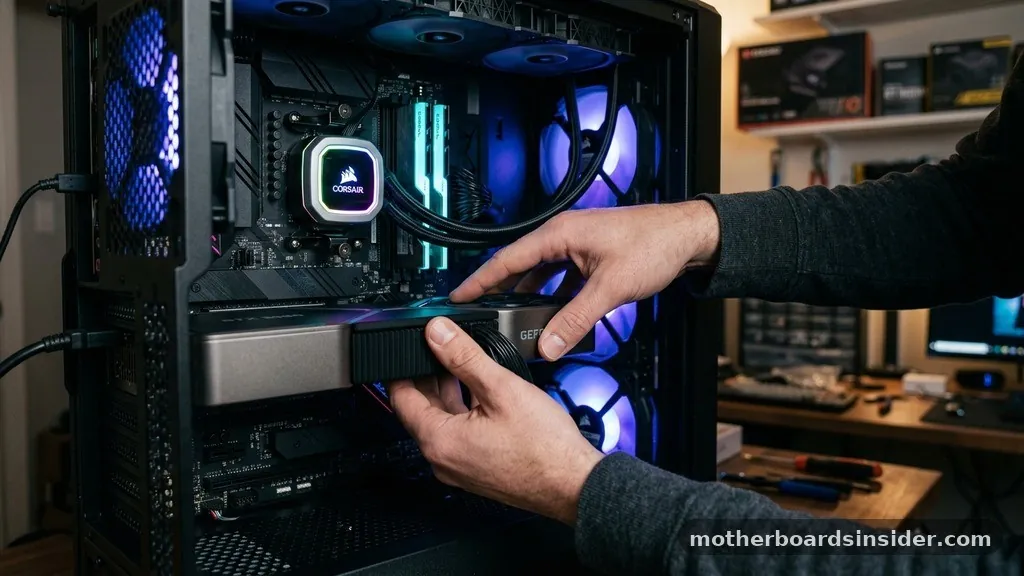
One of the greatest strengths of the modular design of modern motherboards is the ability to upgrade and customize a system. By providing standardized slots, the board allows users to swap out components as their needs change. Whether you are adding more RAM for multitasking or a new graphics card for gaming, the motherboard provides the necessary electrical and data pathways to integrate these new cards without requiring a full system replacement.
This modularity extends to internal headers and external ports. Most boards include headers for cooling fans, RGB lighting, and front-panel connectivity for your case.
These headers are controlled by the motherboard’s onboard logic, allowing the system to monitor temperatures and adjust fan speeds automatically. By centralizing these controls, the motherboard simplifies the management of the entire PC, making it easier for users to maintain and upgrade their hardware over the lifespan of the machine.
Comparison of Motherboard Form Factors
The physical size and layout of a motherboard are defined by its form factor. These standards ensure that boards are compatible with various case sizes and provide a predictable layout for component placement.
| Form Factor | Primary Use Case | Expansion Potential |
|---|---|---|
| ATX | Standard Desktop PCs | High (multiple PCIe slots) |
| Micro-ATX | Compact Office/Home PCs | Moderate |
| Mini-ITX | Small Form Factor (SFF) Builds | Low (limited to one PCIe slot) |
Each of these form factors involves trade-offs. While ATX boards offer the most room for expansion and cooling, Mini-ITX boards are excellent for users who need a powerful machine in a very compact footprint. The first consumer motherboards were much larger and less integrated, but as technology progressed, manufacturers found ways to shrink the circuitry while increasing performance.
The Evolution from Early Designs to Modern Systems
The history of the motherboard is a story of increasing integration. In the early days of the personal computer, many functions that are now built into the motherboard—such as graphics, sound, and networking—required separate expansion cards.
This led to cluttered systems with poor airflow and frequent compatibility issues. Over decades, engineers worked to consolidate these features onto the main circuit board, significantly improving reliability and speed.
Today, motherboards are marvels of high-density engineering. They often include integrated Wi-Fi, high-fidelity audio chips, and multiple M.2 slots for high-speed storage, all packed into a board that is only a few square inches in some cases.
This level of integration is essential for modern embedded systems and laptop design, where space is at a premium. As we look toward the future, the motherboard will likely continue to evolve, moving toward even tighter integration with the CPU to reduce latency and power consumption.
Troubleshooting and Motherboard Maintenance
Because the motherboard is the central hub of the system, it is also the most difficult component to diagnose when things go wrong. If your computer fails to boot, the motherboard is often the first place to look.
Modern boards include diagnostic tools, such as POST (Power-On Self-Test) LEDs or beep codes, which provide clues about where the boot process is failing. These indicators are invaluable for identifying whether the issue lies with the memory, the processor, or a faulty storage drive.
Maintaining a healthy motherboard involves ensuring good airflow and preventing dust buildup. Dust can act as an insulator, trapping heat around sensitive components, while static electricity can damage the delicate traces on the board.
By keeping the interior of the case clean and ensuring that all connectors are firmly seated, you can significantly extend the life of your motherboard and the entire device. Regular firmware updates through the BIOS are also a key part of maintenance, as they often provide compatibility fixes for new hardware and improve system stability.
Common Questions About Motherboard Functionality
- Does the motherboard affect gaming performance? While the CPU and GPU are more important for raw speed, the motherboard determines how effectively those components communicate. A high-quality board ensures stable power delivery and prevents thermal throttling, which can indirectly boost gaming performance.
- How does the motherboard know what hardware is installed? During the boot process, the BIOS/UEFI firmware performs a POST to identify all connected components. It reads the identification data from each device and configures the system to communicate with them correctly before handing control to the operating system.
- Can a motherboard be repaired if it fails? Generally, no. Because motherboards are complex, multi-layered boards with thousands of microscopic traces, physical repairs are rarely cost-effective or reliable. In most cases, if a motherboard fails, it must be replaced entirely.
- Why are there different types of motherboard sockets? Different processors require different amounts of power and have unique pin configurations. Sockets are designed to match the specific electrical and physical requirements of a particular generation or brand of CPU, such as an Intel or AMD processor.
In conclusion, the motherboard is far more than just a mounting surface for other hardware. It is a highly engineered system that manages power, facilitates high-speed data transit, and provides the foundation upon which all other computing tasks occur.
By understanding how the motherboard works, you gain a deeper appreciation for the complex orchestration that happens every time you turn on your computer. From the humble traces on the board to the sophisticated chipset managing the flow of information, the motherboard remains the essential backbone of the modern digital world.


