

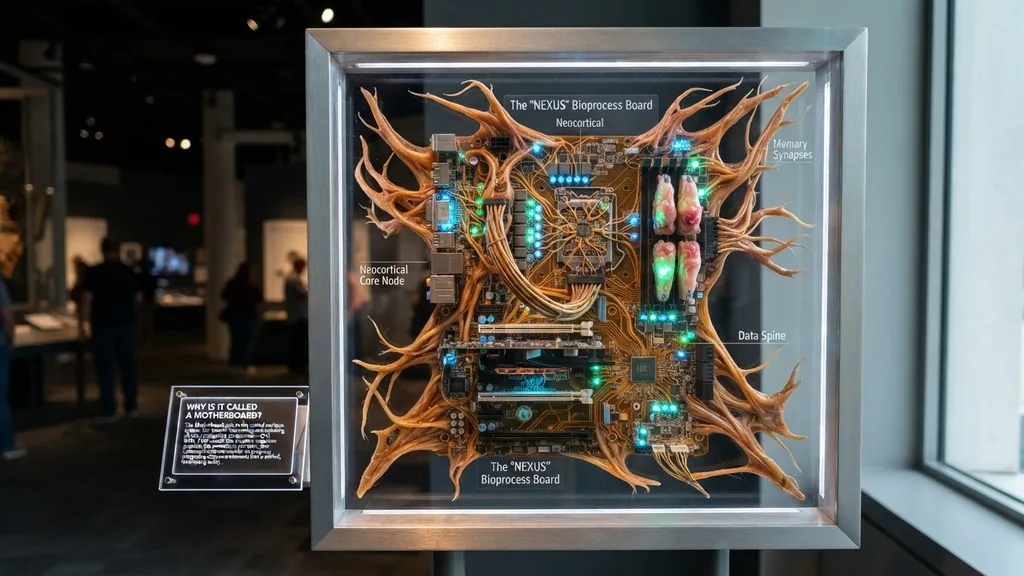
The term motherboard is one of the most recognizable pieces of jargon in the technology world, yet few people stop to consider its etymology. At its core, the motherboard serves as the primary printed circuit board in a computer, acting as the central nervous system that connects every other piece of hardware together.
Understanding why it is called a motherboard requires looking back at the early days of computing, when the architecture of machines was radically different from the sleek, compact systems we use today. It is called a motherboard because it functions as the “mother” or primary host that provides power, communication, and structural support to all other “daughter” boards and peripheral components.
The Biological Metaphor of Computing Hardware
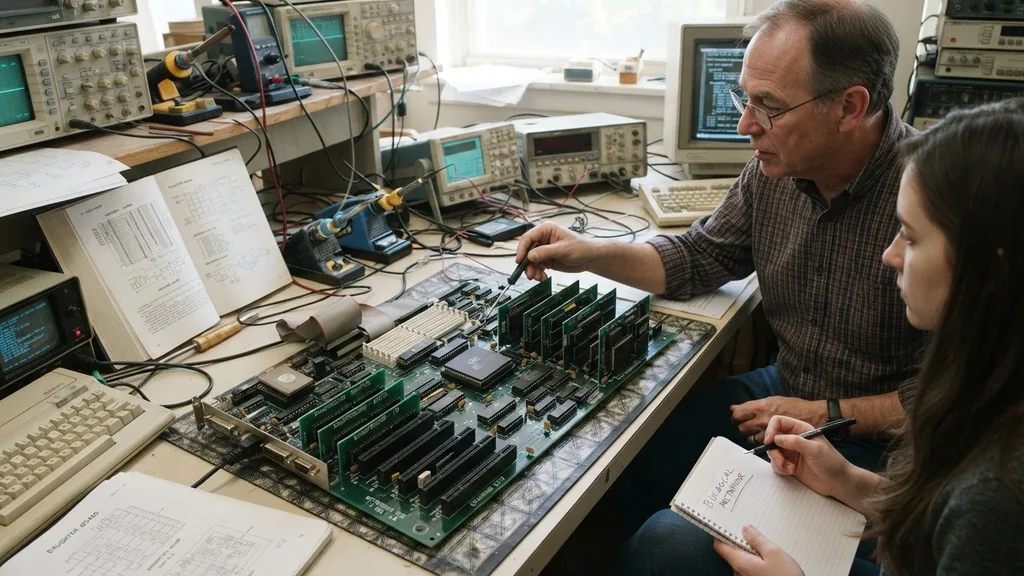
The reason we use the term motherboard is rooted in a biological metaphor that was popular during the mid-to-late 20th century. In the early era of computing, engineers and designers frequently used family-based terminology to describe the hierarchical relationships between different hardware components. A system was viewed as a family unit where the main board was the parent, and the smaller, specialized boards that plugged into it were the “children” or “daughters.”
This terminology was not just a clever naming convention; it served a functional purpose in technical documentation. By calling the main board the mother, designers immediately signaled that this component was responsible for the sustenance and organization of the entire system.
Just as a mother provides the necessary resources for a child to grow and function, the motherboard provides the electrical pathways, voltage regulation, and communication bridges that allow the processor, memory, and storage devices to operate in harmony. This relationship remains the fundamental structure of modern computing, even if we have moved away from using terms like “daughterboard” in everyday conversation.
Historical Context and the Evolution of Circuitry
To fully grasp why the naming convention stuck, we have to look at how early computers like the IBM PC were built. In the 1970s and 80s, computers were often modular in a way that is vastly different from the highly integrated chips of today. A system was frequently composed of a large main board that housed the CPU and some basic logic, while almost everything else—including video output, disk controllers, and serial ports—was added via expansion cards.
These expansion cards were physically plugged into the main board through standardized slots. Because these smaller boards were secondary to the main unit, they were logically referred to as daughterboards. The main board, being the source from which all these connections branched out, was naturally dubbed the motherboard.
While modern computers have integrated much of this functionality directly onto the main board—meaning you don’t need a separate card for audio or basic networking anymore—the name has persisted as a standard industry term. It is a linguistic relic that highlights how much the architecture of the computer has changed, even as the name remained fixed.
The Functional Role of the Motherboard
The motherboard is the structural and electrical backbone of any computer system. Without it, the various components of a PC—like the CPU, RAM, and graphics card—would be isolated pieces of hardware with no way to communicate or receive power.
The board is essentially a massive, complex highway system. It uses layers of copper traces to route electrical signals and data between the different components.
When you press the power button, the motherboard is the component that initializes the process. It sends a signal to the power supply unit to begin delivering electricity, checks the integrity of the memory, and initiates the BIOS or UEFI firmware to start the boot process. This sequence is a testament to its role as the system “mother.”
It is the first thing that wakes up, and it is the last thing that shuts down. If the motherboard experiences an issue, the entire computer ceases to function, effectively rendering the CPU and storage useless. This critical nature is why it is the most essential piece of hardware in any custom build.
Daughterboards and the Modular Architecture
The relationship between the motherboard and its sub-components is defined by the concept of modularity. In the early days, if you wanted to upgrade your computer’s graphics capabilities or add more storage, you didn’t buy a whole new system. Instead, you bought a specific expansion card and plugged it into one of the available slots on the motherboard.
These expansion cards are the “daughters” in the naming convention. Even today, we still use this architecture, though it has evolved significantly. Modern motherboards feature PCIe slots that allow for high-speed communication between the main system and peripherals like dedicated graphics cards, network interface controllers, or high-speed storage drives.
While we rarely use the term “daughterboard” in marketing materials anymore, the physical connection method remains largely the same. The motherboard provides the standardized interface—the “birthplace” for the signal—that allows these peripheral components to become part of the collective system.
Technical Comparisons of Hardware Roles
To understand the hierarchy of computer components, it helps to look at how they compare in terms of their function and necessity. The motherboard acts as the foundation, while other components serve specific roles that are subordinate to the system as a whole.
| Component | Primary Role | Relationship to System |
|---|---|---|
| Motherboard | Central hub and communication bridge | The “Parent” or host |
| CPU | Primary logic and calculation unit | The “Brain” |
| RAM | High-speed temporary data storage | The “Short-term memory” |
| Expansion Cards | Specialized tasks (Graphics, Audio) | The “Daughters” or peripherals |
As shown in this table, the motherboard is the only component that directly interfaces with almost every other part of the computer. While the CPU handles the heavy lifting of data processing, it would be unable to receive input from your keyboard or send video to your monitor without the motherboard’s routing capabilities. This central position is precisely why the name “mother” is so appropriate; it is the facilitator that enables all other hardware to exist within a functional context.
Why Not Fatherboard or Mainboard?
People often ask why the industry settled on “motherboard” rather than “fatherboard” or simply “mainboard.” The answer is largely historical and cultural.
In the mid-20th century, the term “motherboard” was often used in a broader context to describe any central component that held smaller parts. For example, in some industrial manufacturing settings, a “motherboard” was a large board that held smaller circuit boards for automated equipment.
The term “mainboard” is actually quite common, particularly in Europe and Asia, and it is technically synonymous with “motherboard.” However, “motherboard” became the dominant term in North American English and eventually the global standard in the consumer computing market. There is no specific, documented reason why a gendered term was chosen over a neutral one like “mainboard,” but language often evolves based on what sounds more descriptive at the time.
“Mother” implies a nurturing, supportive, and foundational role, which fit the function of the board perfectly. Over time, the name became so ingrained in the industry that it became impossible to replace, even as the internal architecture of computers moved away from the simple “parent-daughter” model.
The Anatomy of a Modern Motherboard
A modern motherboard is a marvel of engineering, packed with thousands of microscopic components. It is a multi-layered printed circuit board that manages power delivery, data transfer, and hardware synchronization. Understanding what goes into this board helps clarify why it is the heart of the machine.
- CPU Socket: The physical interface where the processor is installed.
- Chipset: A set of electronic components that manages data flow between the processor, memory, and peripherals.
- Memory Slots (DIMM): The connectors used to house your system’s RAM modules.
- PCIe Slots: High-speed interfaces for graphics cards, sound cards, and expansion drives.
- VRMs (Voltage Regulator Modules): Components that convert the power from your supply into stable voltages for the CPU.
- BIOS/UEFI Chip: Non-volatile memory that stores the instructions for starting the computer.
Each of these elements contributes to the overall stability of the system. The quality of the motherboard is often determined by the quality of these components.
For example, a high-end board will have better voltage regulation, which allows for more stable overclocking, whereas a budget board might use simpler components that are sufficient for basic office work. Regardless of the grade, the motherboard’s fundamental “mothering” role remains the same: it must keep all these parts powered and talking to one another.
Topical Gaps: Addressing Common Misconceptions
A common point of confusion for new builders is the distinction between the CPU and the motherboard. Some people mistakenly believe that the CPU is the motherboard because it is the most expensive or “powerful” part. However, the CPU is merely the processor; it is a guest on the motherboard.
You can think of the CPU as the brain, but the motherboard is the entire body. Without the body, the brain cannot receive sensory input or move limbs.
Another frequent question is whether a computer can work without a motherboard. The answer is a definitive no. Because the motherboard provides the physical pathways for electricity and data, there is no way to connect a CPU, RAM, and storage device without it.
While you could technically wire components together with individual cables, the motherboard integrates these connections into a single, reliable, and high-speed circuit. You can find more detailed technical specifications on board standards through the IEEE (Institute of Electrical and Electronics Engineers), which sets the global standards for many of the technologies used in modern computing.
Finally, there is the question of why the name persists when we no longer use “daughterboards” in the same way. The answer is simply consistency. Once a term becomes an industry standard, it is difficult to change without causing confusion.
We still use the term “dialing” a phone number, even though we haven’t used rotary dials in decades. Similarly, “motherboard” remains the correct term because it is universally understood by technicians, manufacturers, and consumers alike.
Frequently Asked Questions
- Is a CPU the same thing as a motherboard? No, they are entirely different. The CPU is the central processing unit that performs calculations, while the motherboard is the physical circuit board that connects the CPU to all other hardware components like memory, storage, and graphics cards.
- Can a computer function without a motherboard? No, it is impossible for a computer to operate without a motherboard. It acts as the central hub that provides power distribution and data communication pathways between all essential hardware components, making it the foundational element of any functional PC system.
- Who invented the motherboard? There isn’t one single inventor, but the concept evolved from the modular circuit designs of the 1960s and 70s. Companies like IBM and Apple popularized the use of a main circuit board as the standard architecture for personal computers during the late 1970s and early 1980s.
- Why is it called a motherboard and not a mainboard? While “mainboard” is a valid and commonly used term in many parts of the world, “motherboard” became the dominant industry standard in North America. The term was chosen because it effectively describes the board’s role as the primary, supportive host for smaller peripheral components.
As we look toward the future, the physical form of the motherboard may change, but the name will likely remain. We are seeing a trend toward “System on a Chip” (SoC) designs where the CPU, memory, and storage are all integrated onto one tiny piece of silicon, effectively reducing the need for a large board. Yet, even in these compact machines, there is still a primary board that provides the structural and electrical foundation.
The term motherboard is more than just a name; it is a description of a foundational relationship in computing that has defined the last fifty years of technological progress. Whether you are building a high-end gaming rig or simply using a laptop for work, you are relying on a motherboard to keep your digital world running.
Understanding this history gives you a better appreciation for the complex, interconnected nature of the machines we use every day. It is a reminder that behind every screen and keystroke, there is a complex network of electricity, logic, and design working to make it all possible.


