

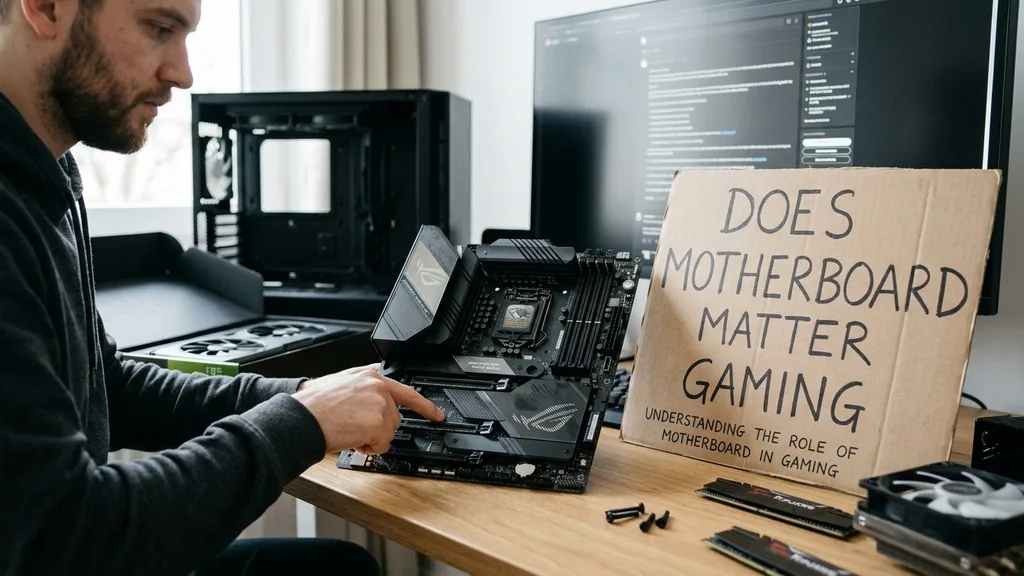
When you are building a custom PC, it is easy to fixate on the flashy components like the graphics card or the processor. You might find yourself asking does motherboard matter for gaming, especially when looking at price tags that range from budget-friendly boards to high-end enthusiast models.
While the motherboard does not directly generate frames per second like your GPU, it acts as the vital foundation for every other component in your system. A cheap, poorly designed board can throttle your hardware, limit your upgrade paths, and cause stability issues that ruin your experience.
Understanding the Role of the Motherboard in Gaming
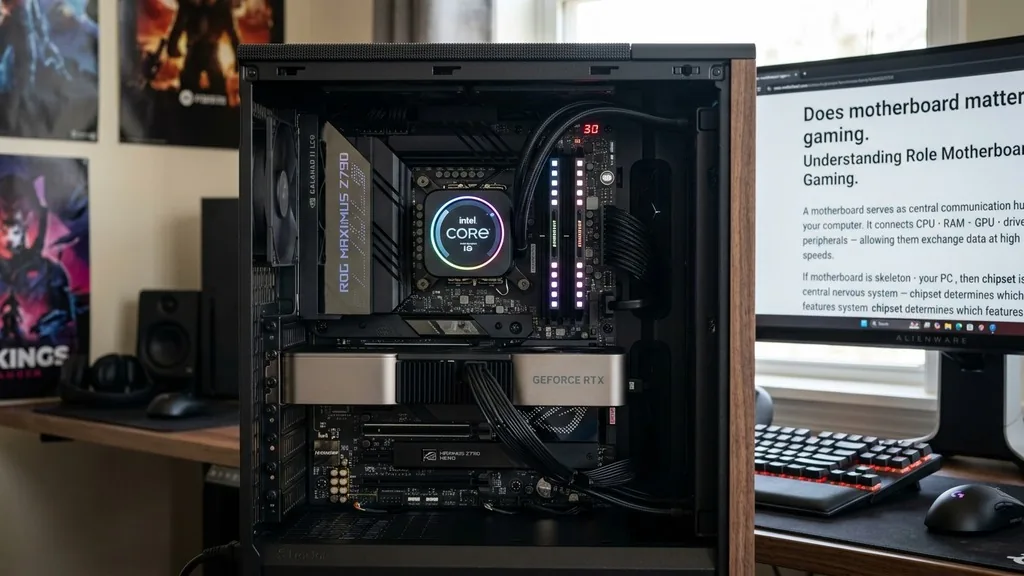
A motherboard serves as the central communication hub for your computer. It connects the CPU, RAM, GPU, storage drives, and peripherals, allowing them to exchange data at high speeds.
If the motherboard is the skeleton of your PC, then the chipset is the central nervous system. The chipset determines which features are available to you, such as how many USB ports you can use, how many NVMe drives you can install, and whether you have the ability to overclock your hardware.
For most gamers, the motherboard provides the necessary electrical pathways to ensure that all components receive clean, consistent power. If you choose a board with weak power delivery components, known as VRMs (Voltage Regulator Modules), you might experience performance degradation when your CPU is under a heavy load.
This is especially true if you are using a high-end processor that demands a lot of electricity. While you don’t necessarily need the most expensive board on the market, you need one that is stable enough to support your chosen hardware without becoming a bottleneck.
Does Motherboard Affect Frame Rates and Gaming Performance?
The motherboard does not directly dictate your frame rate, but it can indirectly impact performance through thermal management and power delivery. If your motherboard has inadequate heat sinks for its power delivery system, it may throttle the CPU to prevent overheating. This throttling results in lower clock speeds, which can lead to stuttering or a reduction in your average frame rates during intense gaming sessions.
Furthermore, the motherboard dictates the speed and stability of your memory. If you purchase high-speed RAM, your motherboard must be able to support those XMP or EXPO profiles.
Some entry-level boards are limited in their memory frequency support, meaning you might pay for high-performance RAM that you cannot actually run at its advertised speed. By choosing a board that aligns with your performance goals, you ensure that your other components operate at their full potential rather than being restricted by the foundation they are built upon.
The Importance of VRMs and Power Delivery
One of the most technical reasons to care about your motherboard choice is the quality of the VRMs. These components convert the power coming from your power supply into the voltage required by your CPU. High-end motherboards often feature more robust VRM designs, which are essential for stable performance under sustained loads.
If you are using a modern processor, check the manufacturer’s official specifications and support lists to ensure your board can handle the power draw. You can find detailed information on hardware compatibility at the Intel Product Specification site to verify your CPU’s power requirements.
When a motherboard has poor VRM cooling, the heat builds up rapidly. Once the temperature hits a certain threshold, the motherboard will force the CPU to lower its voltage and clock frequency to cool down.
This cycle of heating and throttling can turn a smooth 144Hz gaming experience into a jittery, inconsistent mess. If you are planning on building a system with a top-tier CPU, investing in a motherboard with better thermal pads and larger heat sinks is a wise decision to maintain peak performance.
PCIe Lanes and Future Proofing Your Build
Modern gaming rigs rely heavily on the PCIe bus to move data between the CPU and the GPU. The version of PCIe supported by your motherboard—such as PCIe 4.0 or 5.0—determines the maximum bandwidth available for your graphics card and high-speed NVMe storage drives. While current GPUs do not always fully saturate PCIe 4.0, having a board that supports the latest standards ensures that your system remains relevant for longer.
Beyond the GPU, the number of available PCIe slots and M.2 slots matters significantly for your long-term expansion plans. A budget board might only have one M.2 slot, forcing you to replace your storage drive rather than adding to it when you run out of space.
A better board might offer three or four slots, allowing you to add more high-speed storage without needing to reinstall your operating system or move files around. Think about what you might need three years from now, not just what you need today.
Form Factor: ATX vs. Micro-ATX vs. Mini-ITX
The physical size of your motherboard, known as the form factor, determines how many features you can fit into your case and how easy the build process will be. The most common size is ATX, which provides the most space for expansion slots, ports, and cooling components. Micro-ATX is a smaller, often more affordable option, while Mini-ITX is designed for compact, space-saving builds.
| Form Factor | Expansion Slots | Best For |
|---|---|---|
| ATX | High | High-end gaming builds and expansion |
| Micro-ATX | Medium | Balanced builds with budget constraints |
| Mini-ITX | Low | Compact, portable, or minimalist setups |
While form factor does not directly change your frame rate, it dictates your hardware ecosystem. A Mini-ITX board will usually only have one PCIe slot, meaning you cannot add a capture card or a dedicated sound card later. If you are a streamer or a content creator, you should prioritize the larger ATX form factor to ensure you have the physical space to add all the hardware you need.
Connectivity and Integrated Features
Modern gamers require more than just a place to plug in a GPU. You likely have a gaming mouse, a mechanical keyboard, a headset, and perhaps a high-quality microphone. The number and type of rear I/O ports are crucial.
Does the motherboard have enough USB 3.2 or USB-C ports for your peripherals? Does it have high-quality onboard audio, or will you need to buy a separate sound card?
Connectivity also extends to networking. If you are a competitive gamer, you might prefer a board with a high-end 2.5Gb Ethernet port or integrated Wi-Fi 6E/7. Lower-end boards often skimp on these features, providing only standard 1Gb Ethernet.
While this might be sufficient for casual browsing, a high-quality network controller can reduce latency and improve stability during online multiplayer matches. Don’t overlook these “hidden” features, as they significantly impact your daily comfort and utility.
Overclocking: Is It Still Relevant for Gamers?
Overclocking is the process of pushing your hardware beyond its factory-set clock speeds to gain extra performance. If you are interested in this, the motherboard becomes one of the most important components you will buy. Only specific chipsets allow for CPU overclocking, and even then, you need a motherboard with a power delivery system capable of handling the increased current.
If you don’t plan on overclocking, you can often save money by choosing a motherboard with a non-overclocking chipset. However, many gamers enjoy the hobby of squeezing extra performance out of their gear.
If you are in this camp, look for boards with BIOS features specifically designed for enthusiasts, such as clear CMOS buttons, voltage read points, and robust cooling for the power delivery stages. These features make the trial-and-error process of finding your CPU’s limits much easier and safer.
Addressing Common Myths and Topical Gaps
There is a persistent myth that a motherboard is just a plastic board with wires, so buying the cheapest one is fine. This is false. A motherboard is a complex piece of electronics that acts as the gatekeeper for your system’s data.
Another common question involves whether a motherboard can bottleneck a high-end GPU. While a motherboard won’t physically limit the GPU’s clock speed, a board with an old or restrictive PCIe version can limit the bandwidth available to the card, which may cause minor performance dips in specific, data-heavy scenarios.
One often overlooked aspect is the BIOS/UEFI support. Premium motherboard manufacturers provide more frequent updates, which can improve system stability, memory compatibility, and even security.
When you buy a budget board from a less reputable brand, you might find that you never receive an update to support newer CPU generations or to fix known bugs. This lack of support can force you to replace your entire motherboard just to upgrade your processor, which is a major hidden cost of choosing the cheapest option available.
FAQ Section
- Does the motherboard brand matter for stability? Yes, reputable brands typically offer better BIOS support, more reliable hardware components, and better warranty services. Choosing a well-regarded manufacturer helps ensure that your system stays stable over several years of use and provides better protection for your investment.
- Can a cheap motherboard kill my CPU? While rare, a motherboard with extremely poor power delivery can fail under heavy load. If the VRMs overheat or fail, they can potentially send an improper voltage to the CPU, which may cause hardware damage or lead to a total system failure.
- Do I need Wi-Fi on my motherboard? If you have access to a wired Ethernet connection, you don’t need Wi-Fi. However, integrated Wi-Fi is incredibly convenient for file transfers, Bluetooth connectivity for controllers, or if you ever move your PC to a room without a direct router cable.
- Is it worth buying an expensive motherboard for gaming? Generally, no. You should buy a board that has the features, ports, and power delivery you need. Once you have those, spending more on a “premium” board usually only nets you aesthetic features like RGB lighting or extra decorative plastic covers.
Ultimately, the answer to does motherboard matter for gaming is that while it isn’t the primary source of performance, it is the foundation of reliability. You don’t need to spend half your budget on a motherboard, but you should avoid the absolute cheapest options to ensure your system remains stable, upgradeable, and efficient.
By focusing on the quality of power delivery, the number of expansion slots, and the connectivity options that fit your specific needs, you will build a gaming PC that serves you well for years to come. Take the time to match your board to your CPU and your future goals, and you will find that the right foundation makes all the difference in the world.


