

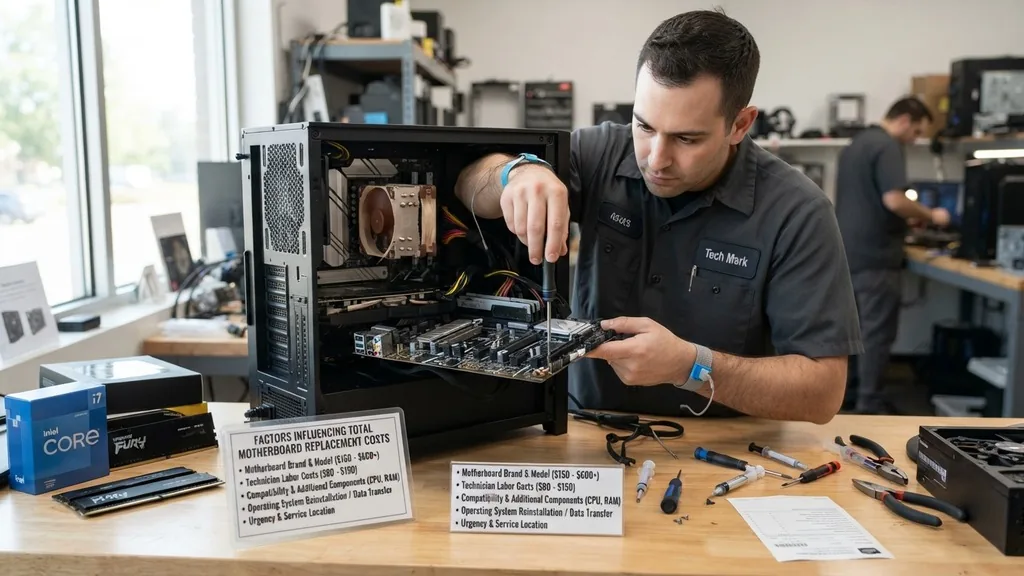
When your computer stops booting or begins suffering from catastrophic hardware failures, the motherboard is often the primary suspect. Because this component acts as the central nervous system for your entire machine, connecting the CPU, RAM, storage, and peripherals, its failure can feel like a death sentence for your device.
If you are wondering how much does it cost to replace a motherboard, the answer depends heavily on whether you are dealing with a custom-built desktop or a compact, proprietary laptop. Costs can range from under $100 for an older desktop board to over $500 for high-end professional laptop logic boards, not including the labor required to perform the swap.
Factors Influencing Total Motherboard Replacement Costs
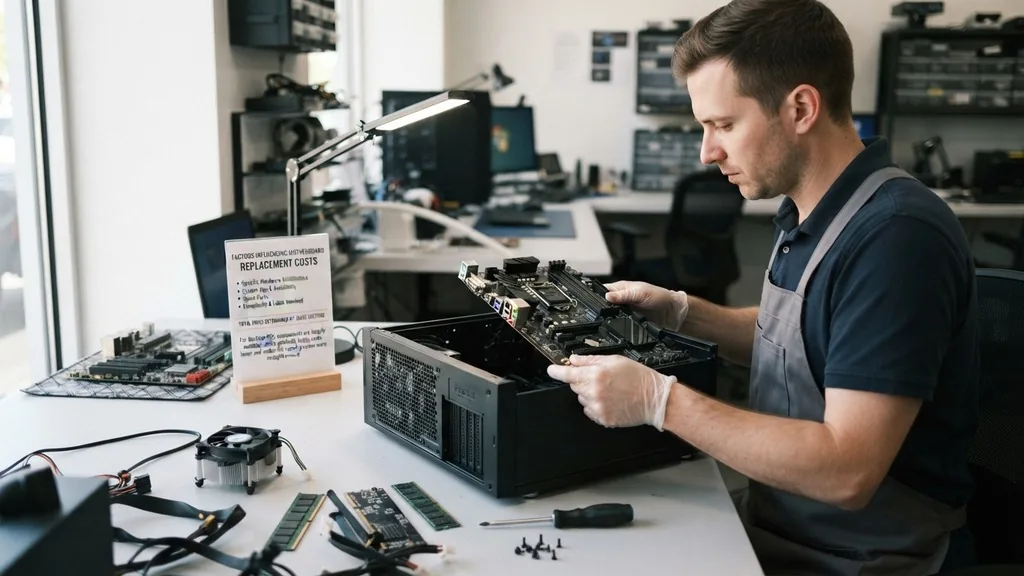
The total price of a motherboard replacement is determined by the specific hardware architecture of your system, the availability of spare parts, and the complexity of the labor involved. In the world of desktop PCs, components are largely modular, which generally keeps costs lower and makes the repair process more straightforward.
Conversely, laptops often feature proprietary motherboard designs where the CPU, GPU, and even RAM might be soldered directly onto the board, significantly driving up the price of the replacement part. Understanding these variables is the first step in deciding whether your device is worth saving or if it is time to upgrade to a newer model.
Desktop Versus Laptop Architecture
Desktop motherboards are sold as off-the-shelf parts that follow standardized form factors like ATX or Micro-ATX. If you are replacing a motherboard in a custom-built PC, you are simply paying for the cost of the board itself, which typically ranges from $80 to $300 depending on the chipset and feature set. Laptop motherboards, however, are almost always manufacturer-specific.
You cannot simply buy a generic board that fits; you must find the exact part number for your specific model. Because these boards are often manufactured in limited quantities, they are significantly more expensive to source than desktop alternatives.
Sourcing the Replacement Hardware
Finding the right motherboard for your system is often the most time-consuming part of the process. For older computers, you may find that the manufacturer no longer produces the board, forcing you to turn to the secondary market. Buying used parts can save you money, but it also introduces the risk of inheriting latent defects.
It is always best to check the official hardware specifications provided by your processor manufacturer to ensure compatibility before making a purchase. Compatibility is non-negotiable; if the socket type or chipset does not match your existing CPU, the system will not function.
- New Retail Boards: These offer the most reliability and often come with a factory warranty, though they are usually the most expensive option.
- Refurbished Units: These boards have been tested and repaired, representing a middle-ground price point that balances cost and security.
- Used Components: Often found on auction sites, these are the cheapest way to revive a machine, though they carry the highest risk of failure.
- Proprietary OEM Parts: These are required for most laptops and pre-built desktop towers, often requiring a direct purchase from the manufacturer’s support portal.
The Hidden Costs of Professional Labor
Unless you are comfortable disassembling your entire computer, you will likely need to pay for professional installation. Most independent repair shops charge by the hour, and replacing a motherboard is a labor-intensive task. It requires removing the CPU, cooling system, RAM, storage drives, and all internal cabling, then repeating the process in reverse for the new board.
On average, a technician might spend two to four hours on this process. Depending on your local market, hourly rates for skilled computer repair services typically fall between $70 and $150 per hour. When you add the cost of the part to the labor, a simple motherboard swap can quickly exceed $300 to $400.
Is It Worth Replacing a Motherboard?
Deciding whether to proceed with a motherboard replacement requires a pragmatic look at the current market value of your computer. If your machine is more than five years old, spending several hundred dollars on a repair may not be the best financial move.
You have to consider that a repair only fixes the motherboard; it does not upgrade your processor, improve your graphics, or refresh your storage drives. If the cost of the repair exceeds 50% of the cost of a comparable new machine, it is almost always more logical to put that money toward a modern, faster system that comes with its own warranty.
| System Type | Average Part Cost | Estimated Labor | Total Potential Cost |
|---|---|---|---|
| Standard Desktop | $100 – $250 | $100 – $200 | $200 – $450 |
| Budget Laptop | $150 – $300 | $150 – $250 | $300 – $550 |
| High-End/Gaming Laptop | $300 – $800+ | $200 – $300+ | $500 – $1100+ |
DIY Replacement Considerations
Performing a motherboard replacement yourself can save you a significant amount on labor costs, but it requires a high degree of technical proficiency. You must be comfortable working with delicate electronics and managing small screws and cables without causing static discharge or physical damage. If you choose this route, ensure you have the proper tools, including a magnetic screwdriver set and a grounding strap.
Furthermore, you will need to perform a clean installation of your operating system after the swap. Because the motherboard handles all hardware communication, changing it will often break your existing Windows or macOS activation, requiring you to re-register your software licenses.
Common Signs of Motherboard Failure
Before you commit to a costly replacement, it is vital to confirm that the motherboard is actually the culprit. Many symptoms that mimic motherboard failure are actually caused by simpler, cheaper issues. For example, a failing power supply unit (PSU) can cause a computer to fail to turn on, which is often misdiagnosed as a dead motherboard.
Similarly, loose RAM sticks can cause boot loops or blue screen errors. If your computer is experiencing random reboots, failing to recognize connected peripherals like keyboards or mice, or refusing to post (the screen remains black while the fans spin), you should perform a thorough diagnostic check before purchasing any new parts.
Addressing Topical Gaps: Why Do Motherboards Fail?
One frequently overlooked aspect of motherboard failure is the role of environmental factors and component aging. Motherboards are complex multi-layer printed circuit boards (PCBs) that contain thousands of microscopic traces and capacitors. Over time, these capacitors can bulge or leak due to heat stress or power surges.
Dust accumulation can also create bridges between components, leading to short circuits that physically fry the board. By understanding that heat and poor power quality are the primary enemies of a motherboard, you can take steps to prevent the need for a future replacement. Using a high-quality surge protector and ensuring your system has adequate airflow are two simple ways to extend the lifespan of your hardware.
When to Replace the Entire Computer
There comes a point where the cost of repair simply outweighs the benefits of keeping the machine. If you find that you need to replace not only the motherboard but also the processor or the RAM to maintain compatibility, you are essentially building a new computer.
In these cases, it is often better to salvage the functional parts of your old machine—such as the hard drives, case, or power supply—and buy a new motherboard and CPU bundle. This approach gives you the reliability of new parts while keeping your total investment lower than buying a completely pre-built system from a major retailer.
Frequently Asked Questions
Can I replace a motherboard myself to save money?
Yes, you can perform the replacement yourself if you have technical experience. You will save on labor costs, which are often the most expensive part of the repair. However, ensure you have the correct tools and are prepared to reinstall your operating system and drivers.
Is it common for a motherboard to fail suddenly?
Motherboard failure can be sudden, especially if caused by a power surge or liquid damage. However, many failures are gradual, starting with minor issues like USB ports failing or the computer resetting randomly. If you notice these symptoms, back up your data immediately as a precaution.
Does a new motherboard require a new Windows license?
Yes
In many cases, yes. Because Windows licenses are often tied to the motherboard’s unique ID, changing the board can trigger an “unactivated” status. You may need to contact Microsoft support or purchase a new license key if your previous version was an OEM copy tied to the original board.
Are laptop motherboards universal?
No, laptop motherboards are strictly proprietary. You must find the exact part number that matches your specific laptop model and revision. Using a board from a different model, even one that looks similar, will almost certainly result in compatibility issues or a complete failure to boot the system.


